User's ranks generally appear beneath their username on posts, private messages, announcements, usernotes and in their profile.
Ranks can be assigned to specific usergroups or they can be assigned to cover all groups who don't have a rank specifically assigned to them.
A user's rank is always determined by his Primary Usergroup unless you have public groups enabled and the user has chosen to be identified by a Secondary Usergroup that he/she has joined. In this case the rank will be based upon the Secondary Usergroup.
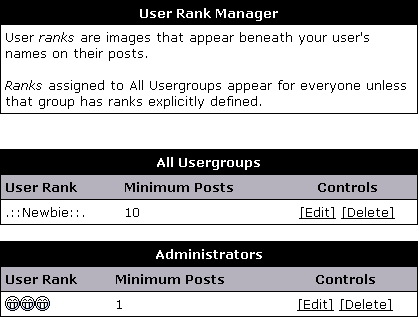
Navigate to User Ranks->User Rank Manager to view your current ranks. If you have none set up, you will only see the small notice that defines user ranks.
To add a new rank, navigate to User Ranks->Add New User Rank.