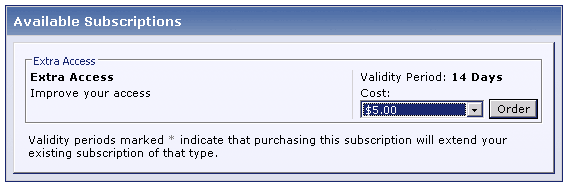
The subscription will offer some benefits over our a regular user such as increased attachment space, large avatars and more private messaging space.
Creating the new Usergroup
| 1 | Login to the Admin Control Panel |
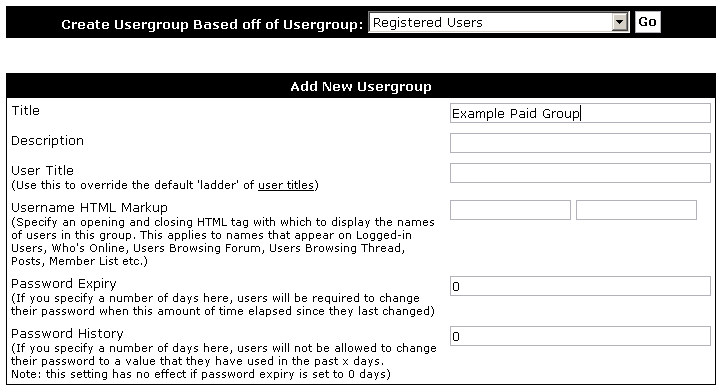
| 2 | Open the Usergroups menu and click "Add New Usergroup" |
| 3 | At the top of the screen choose "Registered Users" from the Create usergroups Based off of Usergroup menu and click |
| 4 | Adjust usergroup permissions appropriately, increasing attachment space, avatar dimensions and private messaging space |
| 5 | Click |
| 1 | Open the Subscriptions menu and click "Add New Subscription" |
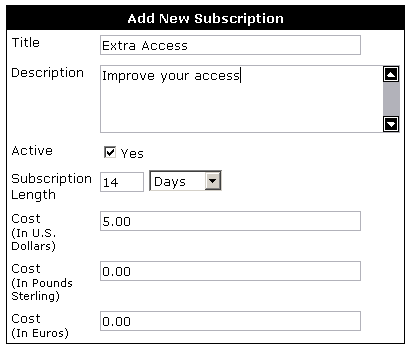
| 2 | Enter the appropriate title, description, length and cost for your subscriptions |
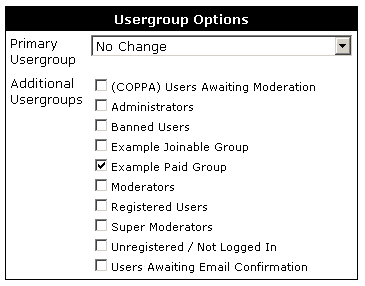
| 3 | On the right of the screen there will be a Usergroup Options table, under Additional Usergroups check the Usergroup that you created earlier in this example |
| 4 | Click |