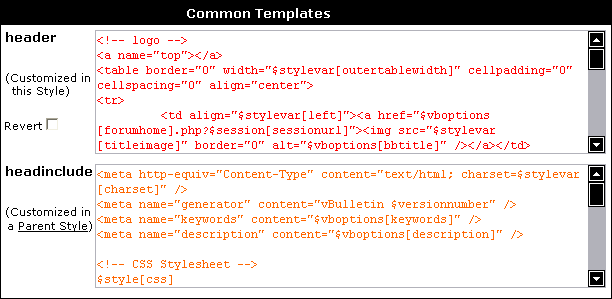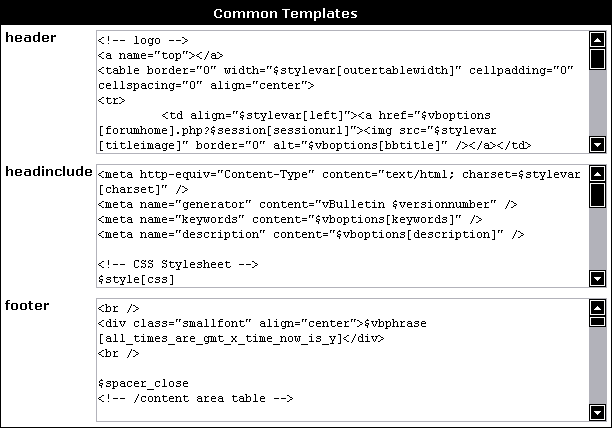
- header
This is the template that appears immediately after the <body> tag at the start of all vBulletin pages. Customizing this template can result in dramatic alterations to the look and feel of your board. - footer
Partnering the header template, this template is included immediately before the </body> tag at the end of all vBulletin pages. The footer footer template is often used to close tags opened in the header template, which affect the entire page. - headinclude
This template is included in the <head> tag of all vBulletin pages, and is often customized to add special Javascripts effects and <meta> tags - phpinclude_start
The phpinclude_start template contains raw PHP code, which is evaluated before any other templates. - phpinclude_end
The phpinclude_end template also contains raw PHP code, but is evaluated immediately before completed pages are delivered to visitors' browsers.
When the page reloads, you will see that any customized templates are shown with their text in a different color to indicate its customized status.
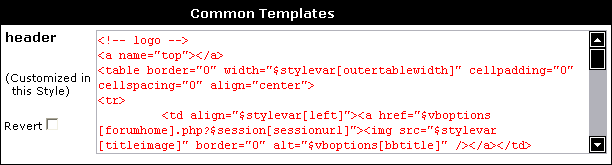
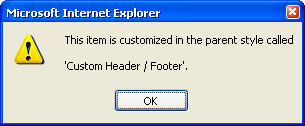
If a common template is being inherited from a customization made in a parent style, the text will be shown in a different color again to indicate this.